Receive qualified leads
Only connect with customers actively searching for your services.
Join MyOffer and connect with homeowners and businesses actively looking for trusted service providers. Receive qualified job opportunities, send proposals and grow your business—without expensive advertising.

MyOffer connects you directly with customers who are actively looking for your services.
Only connect with customers actively searching for your services.
Reduce your dependence on Google Ads and social media advertising.
Collect reviews and strengthen your online presence.
Chat, proposals and agreements from one platform.
Create a professional profile by adding your services, service areas and business details. Help customers discover your company, build trust and attract more qualified leads across Dubai and the UAE.
Browse open jobs that match your services and location. Start conversations with potential customers, answer questions and arrange site visits when needed before preparing your proposal.
Send a detailed proposal with pricing and timelines. When the customer chooses your business, accept the agreement, complete the work and receive payment directly from your customer. Build your reputation by collecting reviews and growing your business on MyOffer.
Running a home service business is competitive. Whether you offer AC repair, plumbing, electrical services, cleaning, moving or home maintenance, finding qualified customers consistently can be one of the biggest challenges.
MyOffer helps businesses connect directly with homeowners and companies actively looking for trusted professionals. Instead of relying only on referrals or expensive advertising campaigns, you receive opportunities from customers who are already searching for your services.
By creating a business profile, showcasing your expertise and responding to relevant projects, you can build your reputation, generate more qualified leads and grow your business across Dubai and the UAE.

Quick answers before you register your business on MyOffer.
During our launch phase, MyOffer is completely free for all service providers. You can create your business profile, browse available jobs, connect with customers and submit proposals without any platform fees. It's the perfect opportunity to grow your business while we're expanding our marketplace.
Once your business profile is set up, you'll see relevant job opportunities directly in your MyOffer dashboard. Browse available projects that match your services and location, then choose which customers you'd like to contact.
Yes. You're always in control. Browse available jobs and decide which opportunities best match your services, availability and business goals. There are no obligations to respond to every request.
No. During our launch phase, there are no fees for leads or platform usage. You can browse jobs, connect with customers and submit proposals completely free of charge.
Customers can discover your business in two ways. They can browse provider profiles directly through the MyOffer directory, or they'll see your business when you respond to a job they've posted. A complete and professional profile helps you stand out and build trust with potential customers.
During our launch phase, we're focusing on Cleaning, Moving and AC Repair. As MyOffer grows, we'll continue expanding the platform by adding more home service categories across the UAE.
Yes. You can offer your services in one or multiple cities across the UAE. Simply choose the areas where your business operates, and you'll be able to view relevant job opportunities in those locations.
Absolutely. You can update your business profile whenever you like, including your services, service areas, contact information and business description. Keeping your profile complete and up to date helps attract more customers.
After completing a job, customers can leave a star rating and write a review based on their experience. Positive reviews help build your reputation, increase customer trust and improve your chances of winning future projects.
The best way to stand out is to create a complete and professional business profile, verify your account with your mobile phone number and respond quickly to customer enquiries. Clear communication, competitive proposals and excellent customer service all help build trust and increase your chances of being selected.
Join MyOffer and connect with homeowners and businesses actively looking for trusted service providers—without expensive advertising.
Providers & reviews on MyOffer

"Found an amazing AC technician within hours. He came the same day and fixed our unit. Will definitely use MyOffer again!"
Sarah M.Dubai Marina
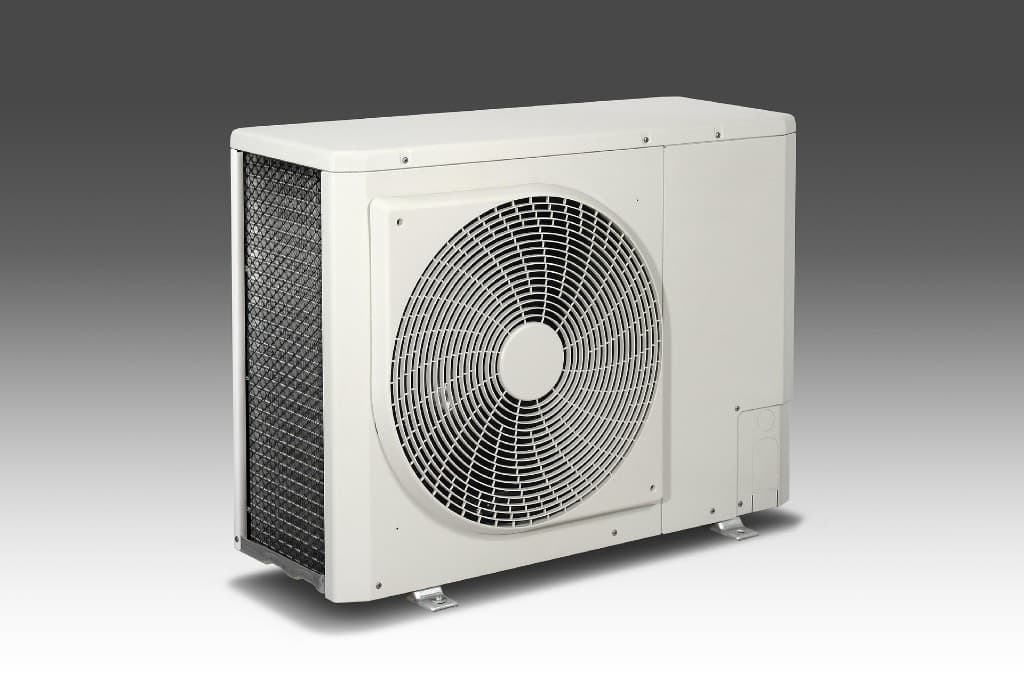
CoolAir Technical
AC & HVACDubai

"The plumber I found through MyOffer was professional and reasonably priced. The whole process was so simple."
Ahmed K.JBR
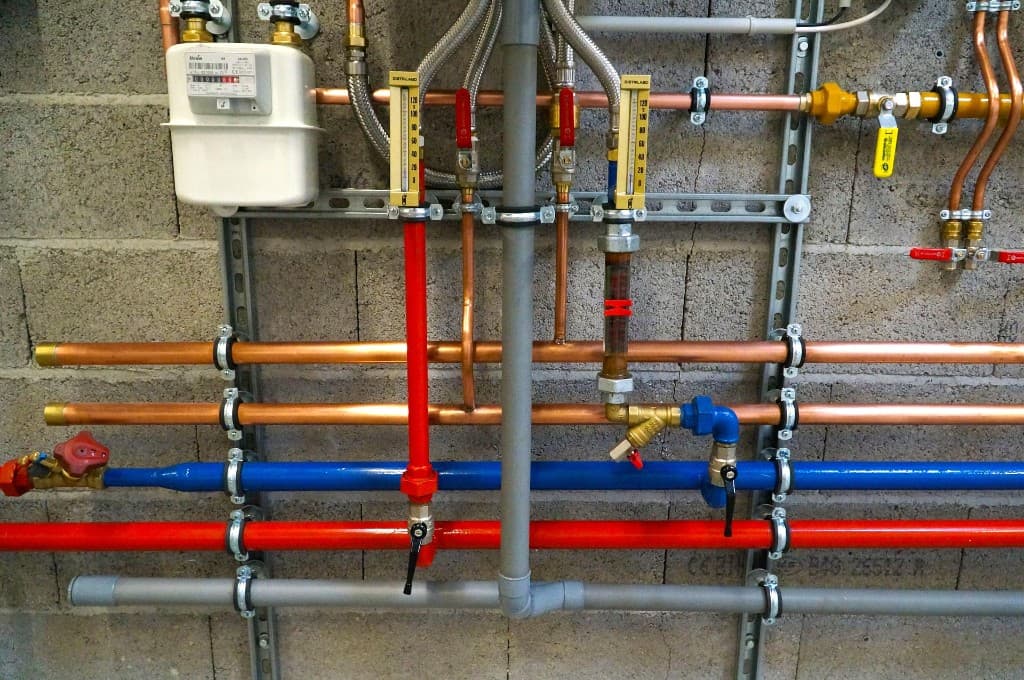
FixIt Plumbing Co.
PlumbingSharjah

"Needed deep cleaning before moving out. Got three quotes in one day and chose the best one. Highly recommend!"
Maria L.Downtown Dubai

Spark Electric LLC
ElectricianAbu Dhabi
"Found an amazing AC technician within hours. He came the same day and fixed our unit. Will definitely use MyOffer again!"
Sarah M.Dubai Marina
CoolAir Technical
AC & HVACDubai
"The plumber I found through MyOffer was professional and reasonably priced. The whole process was so simple."
Ahmed K.JBR
FixIt Plumbing Co.
PlumbingSharjah
"Needed deep cleaning before moving out. Got three quotes in one day and chose the best one. Highly recommend!"
Maria L.Downtown Dubai
Spark Electric LLC
ElectricianAbu Dhabi